GO FOR IPHONE & IPAD
GO REWIRED.
LEARN GO.
PLAY GO. EVERY DAY.
Start with your first stone. Learn on the board, take on a daily duel, or settle into a full game.
JOIN THE BETAPublic TestFlight beta iPhone & iPad
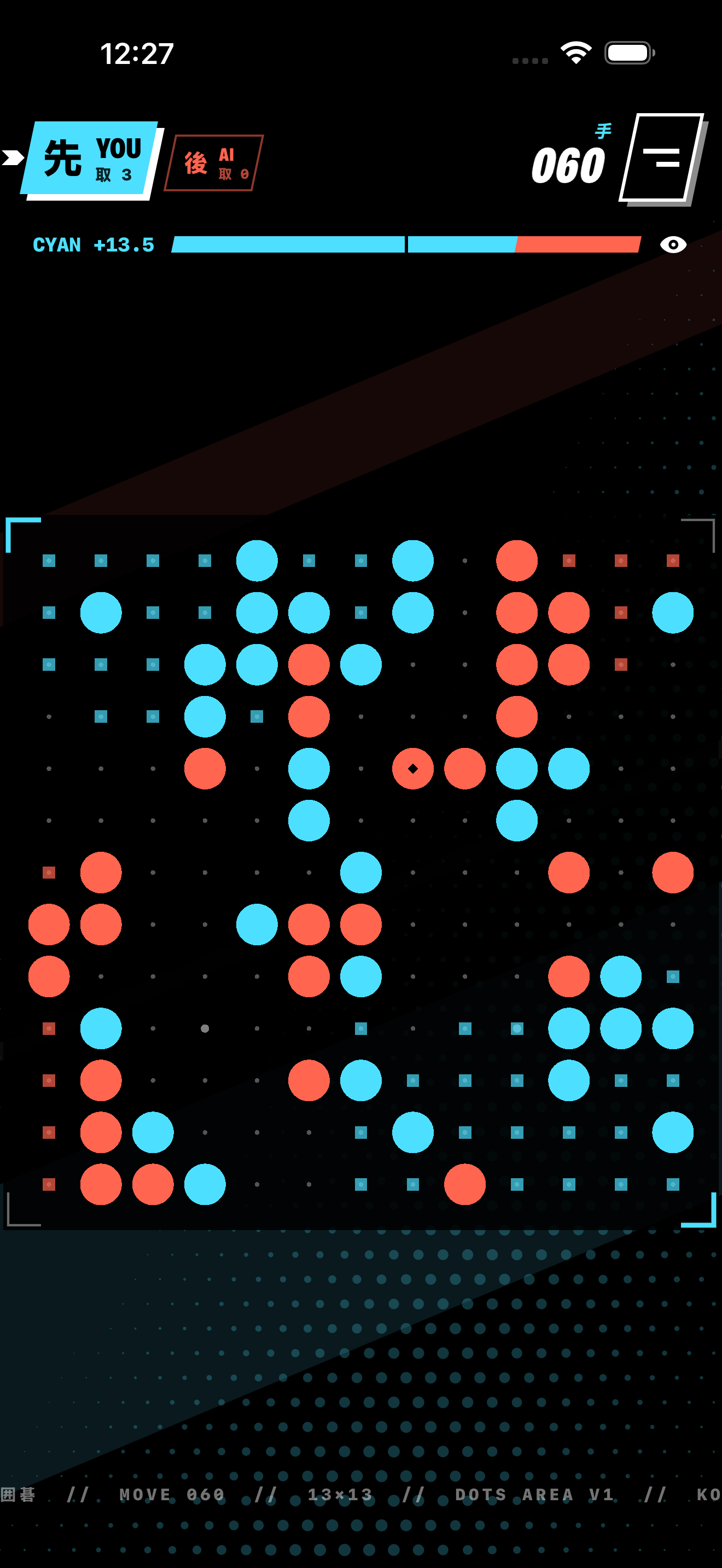
INSIDE DOTS
FROM FIRST STONE
TO NEXT GAME.
Learn a little. Play a position. Look back at the move that changed it.
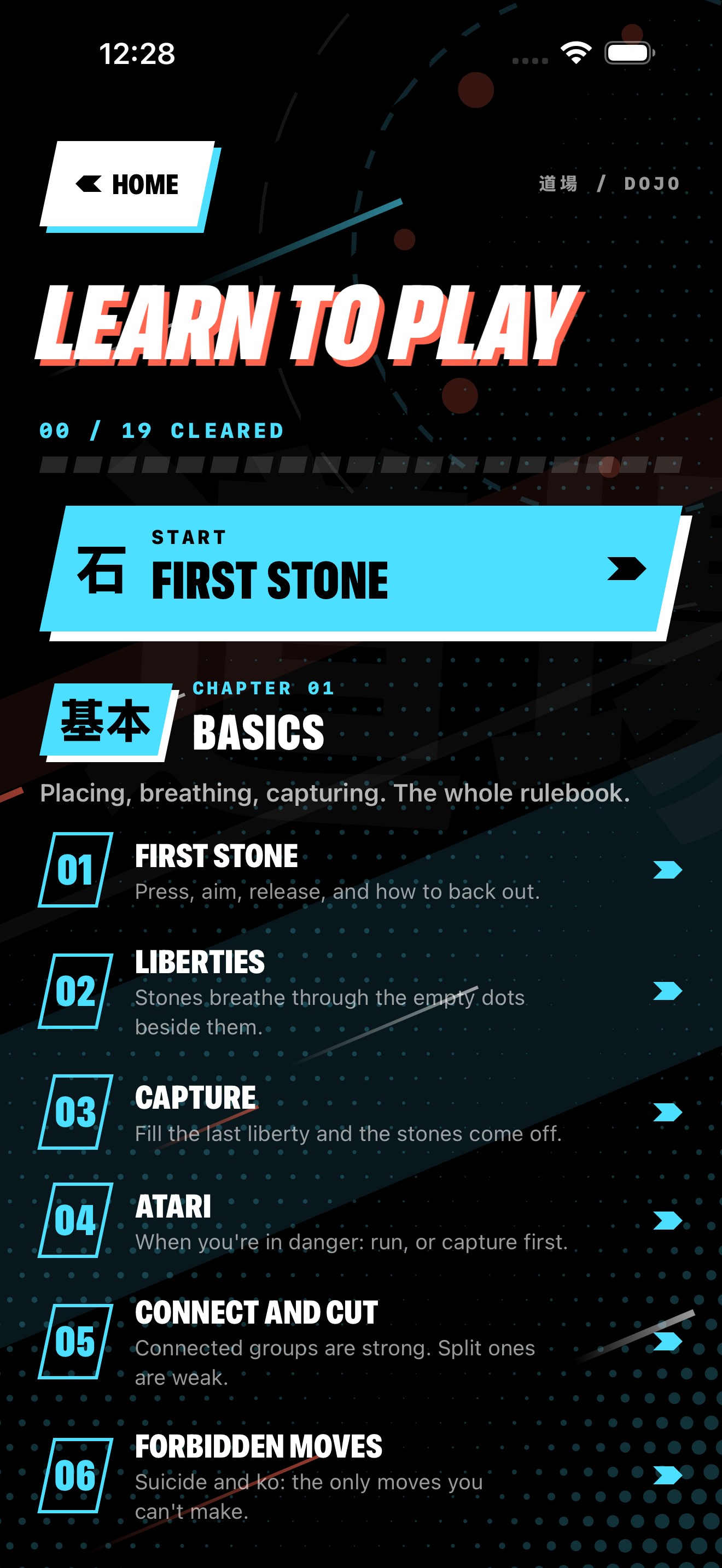
Start in the dojo.
Nineteen lessons teach placing, capturing, eyes and territory on the board.
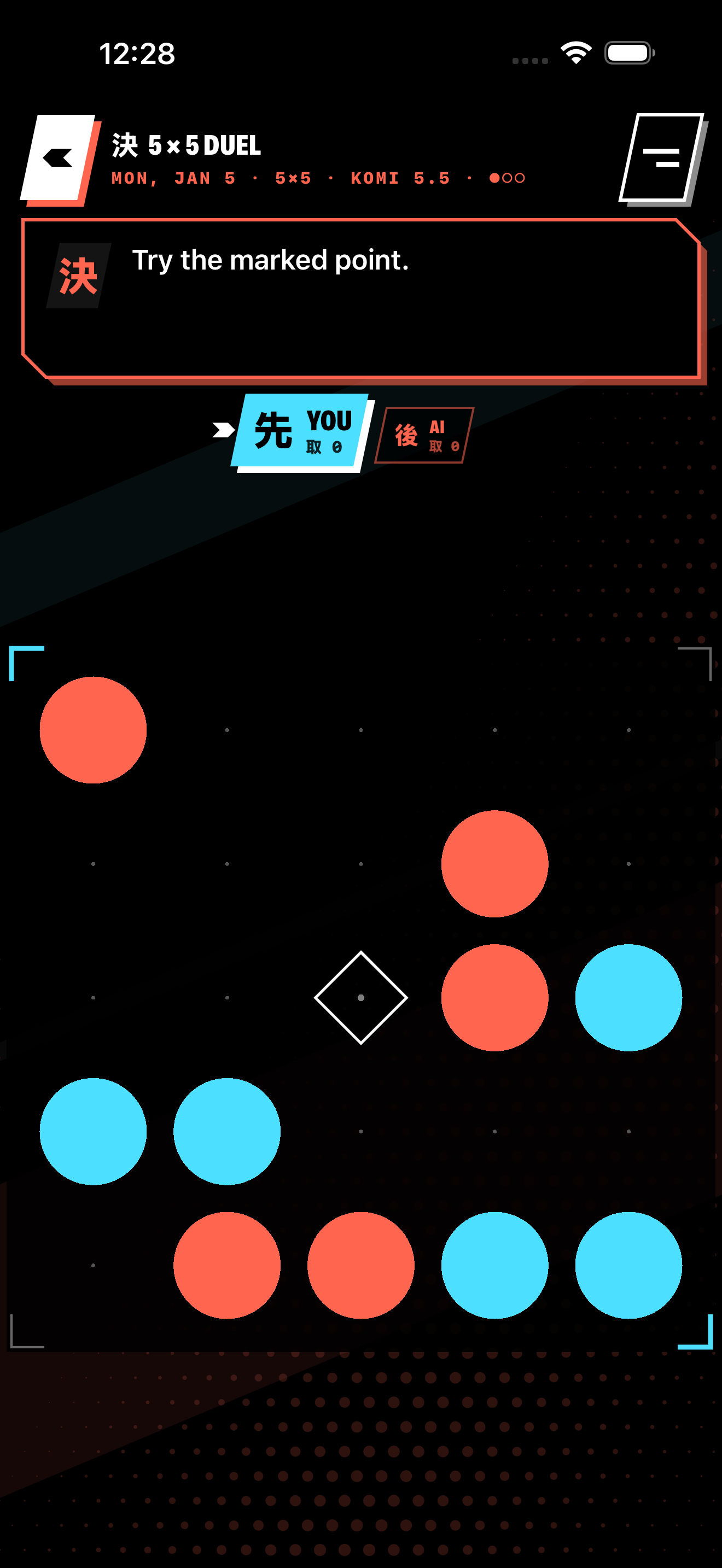
A new daily duel.
Pick up a small board mid-game. Play it out against the AI and build a streak.
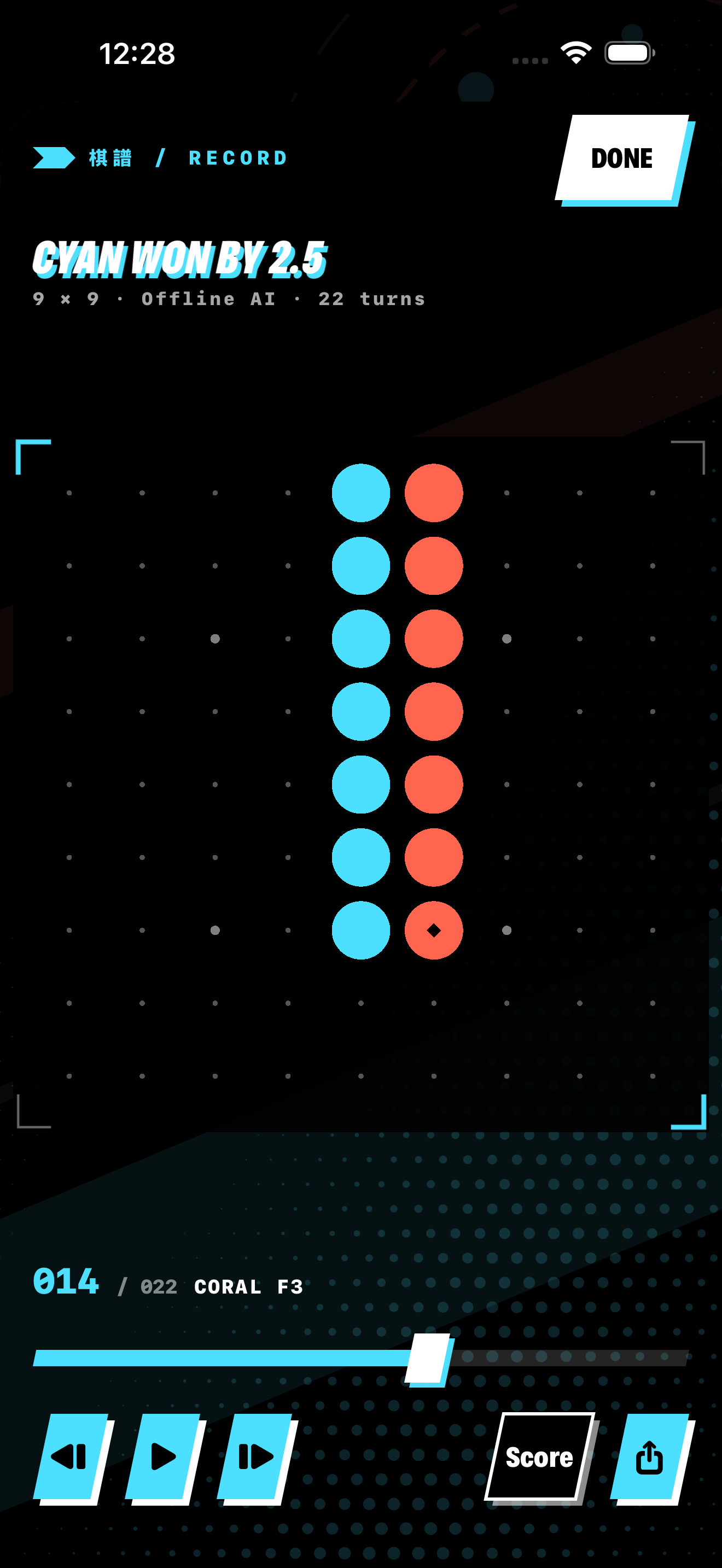
Find the turning point.
Step through a finished game, move by move. Share the replay as an animated GIF.
Actual beta screens. Interface may change before release. Swipe for more / tap a screen to enlarge.
THE FEEL
ONE STONE.
A WHOLE BOARD
RESPONDS.
Tap an empty dot to try a little of the motion. Nearby stones and points ripple outward, then settle.
This is a visual illustration, not a playable Go match. Motion can be paused above; your system’s Reduced Motion setting is respected.

IPHONE & IPAD / IOS 17+
TRY THE BETA.
Join the public TestFlight beta on your iPhone or iPad. Try a lesson, play a game, and send feedback through TestFlight.
Requires Apple’s TestFlight app. This is a beta; features and availability may change.
BEFORE YOU PLAY
New to Go?
Two players take turns placing stones. Surround opposing groups to capture them; stones and surrounded space count toward your area score. The in-app dojo walks through the rules, one lesson at a time.
Can I play offline?
Yes. Solo AI games and two-player matches on the same device work offline.
Is this a connect-the-dots game?
No — it’s Go, also known as baduk or weiqi, with a new visual language.